AI Writing Assistant
Refine a raw draft into a calmer, clearer, and more thoughtful message based on context.
 Pause
Pause
Pause is an iOS app for emotionally charged moments. It helps you slow down, rewrite with AI, and communicate with more intention across relationships, cultures, and languages.
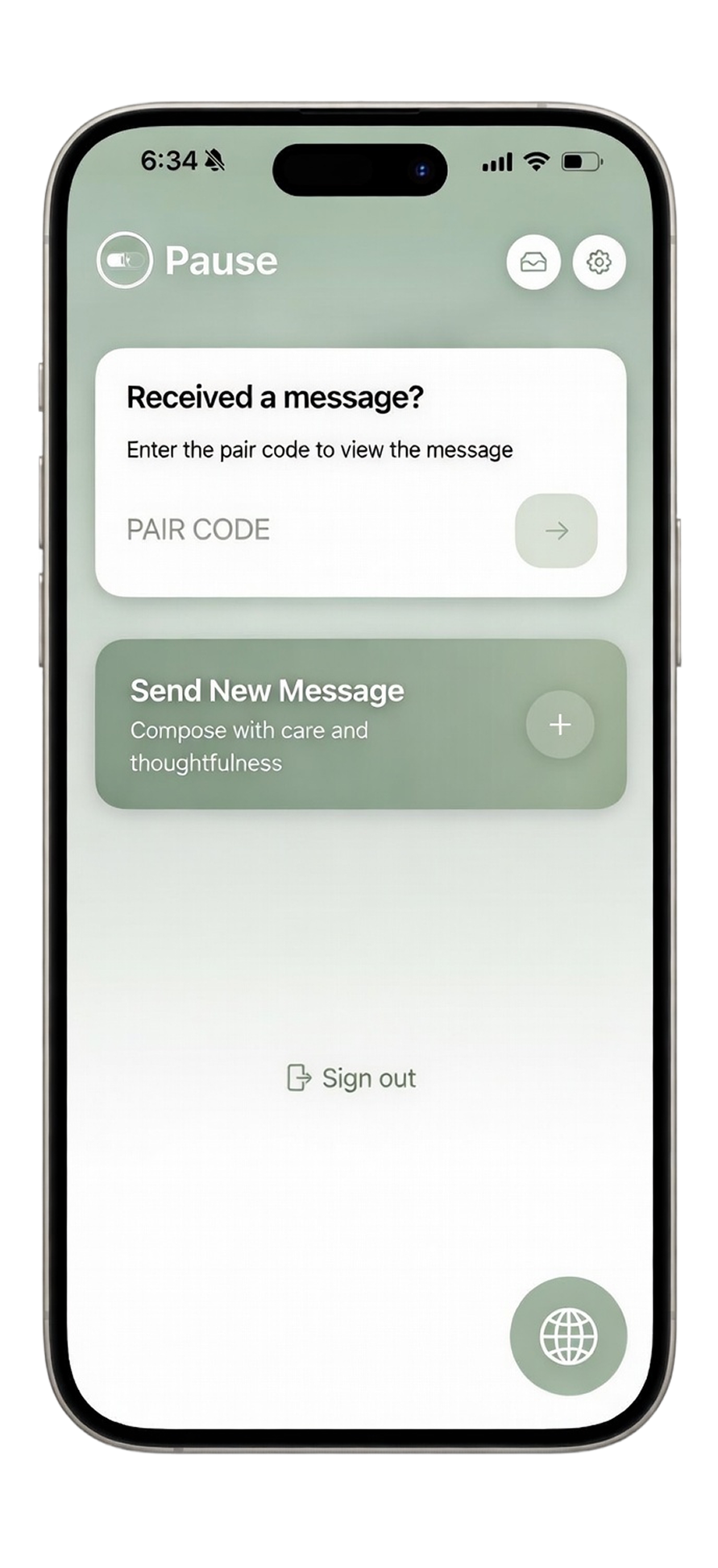
Pause does not push instant reactions. It gives you one more moment to review your words, adjust tone, and send a message that protects both meaning and relationship.
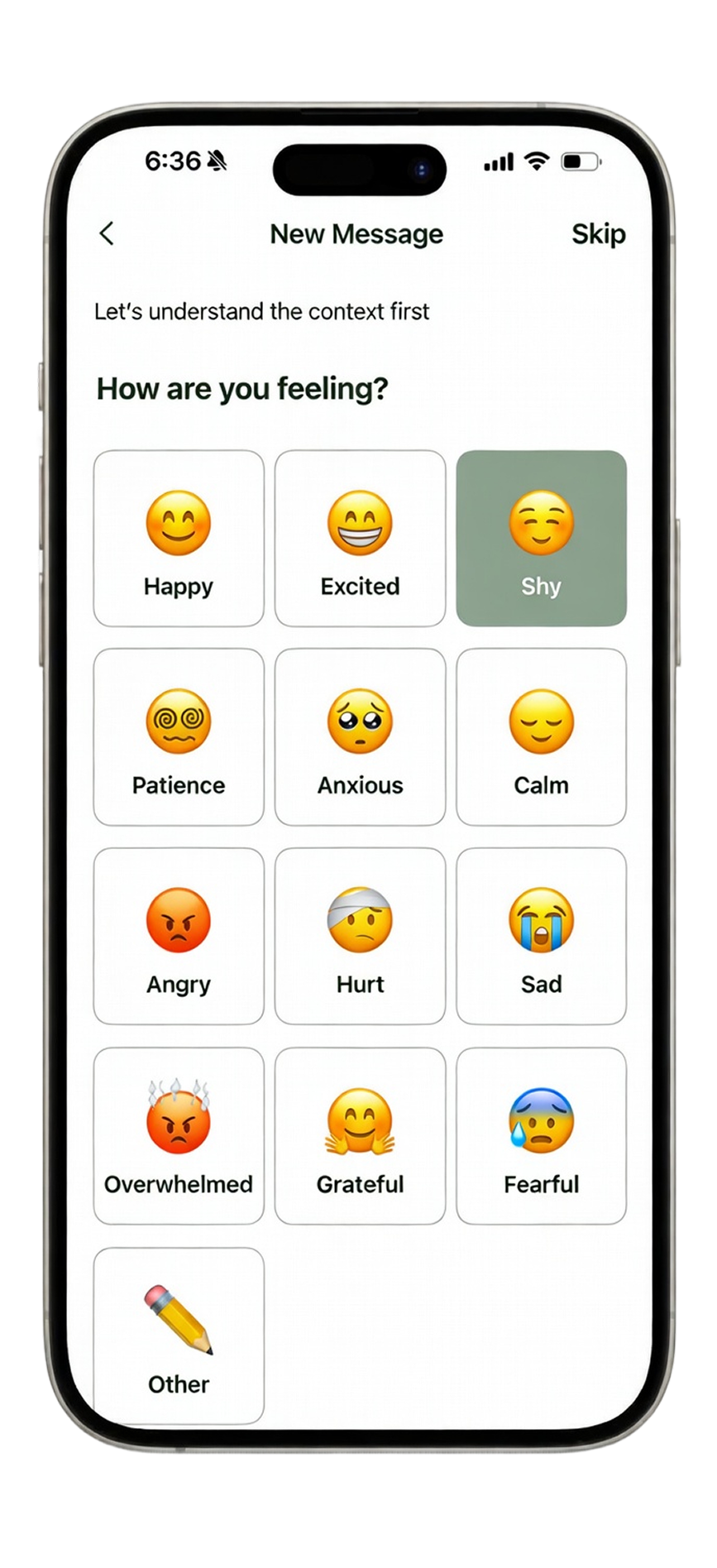
Write naturally first. Then shape your message with tools designed for clarity, tone, and timing.
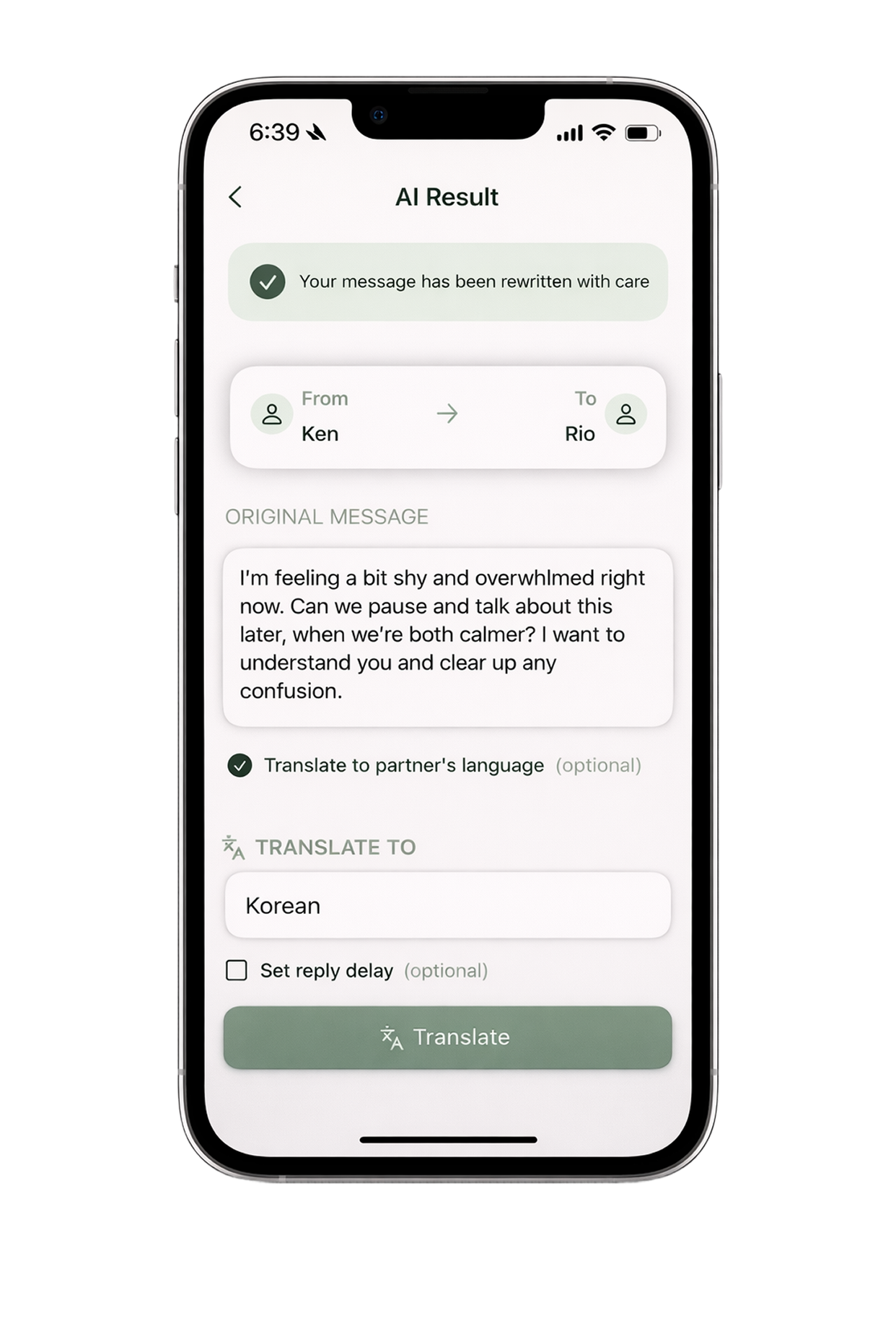
Refine a raw draft into a calmer, clearer, and more thoughtful message based on context.
Translate after rewriting, so your final message remains natural across language boundaries.
Save polished messages, copy key details, and share conversation progress when needed.
Each saved message generates a unique pairCode to connect both sides inside the app.
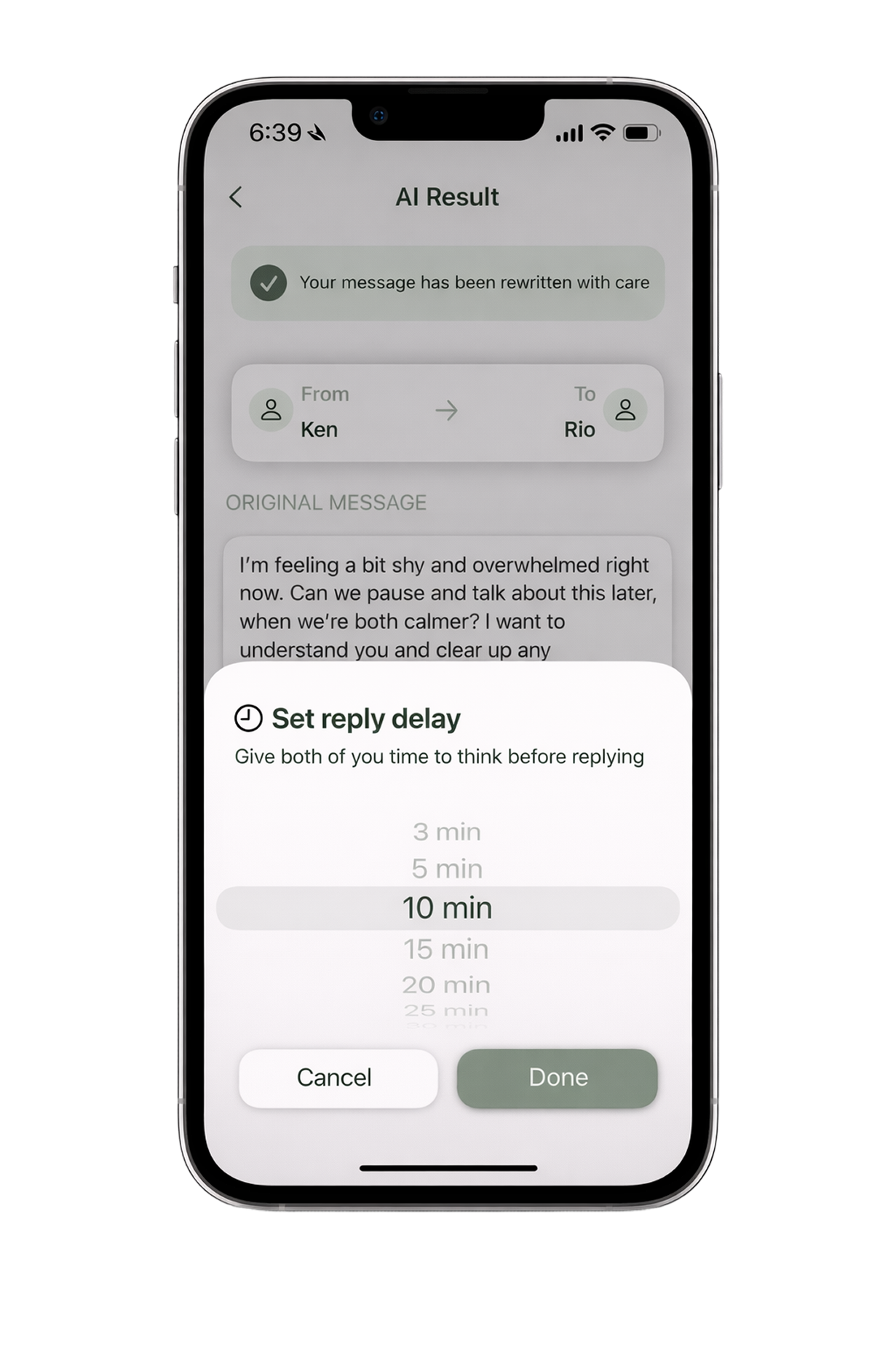
Replies unlock after selected delay from message read time, reducing impulsive reactions.
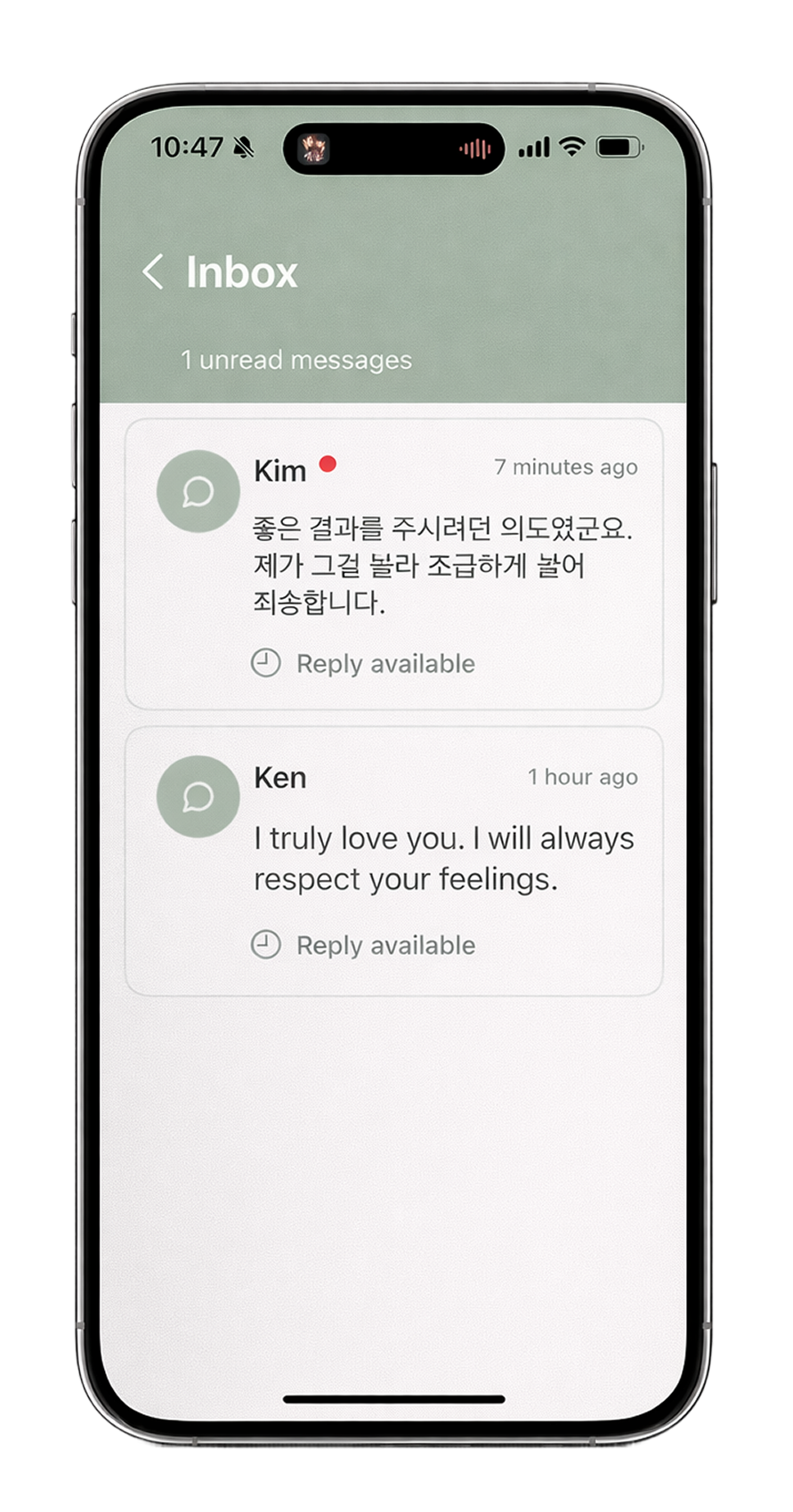
Track threads, unread items, and ongoing conversations in one focused inbox experience.
Real app flows that show how Pause supports thoughtful communication end-to-end.
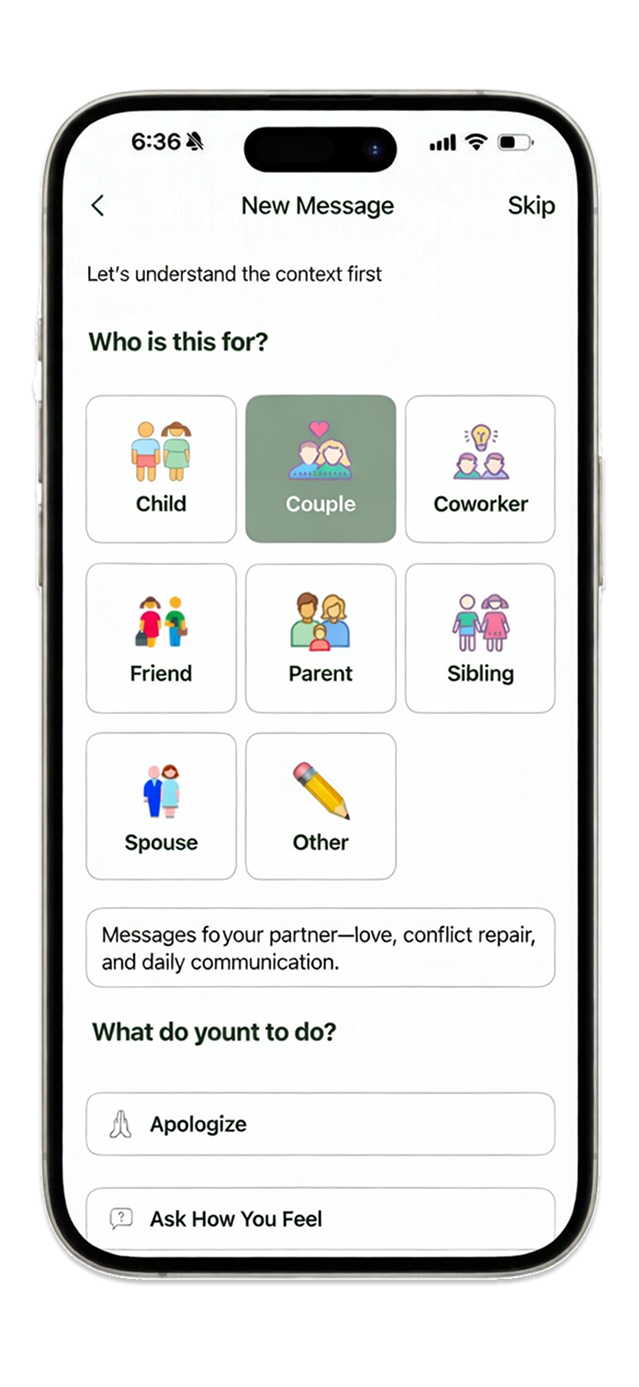
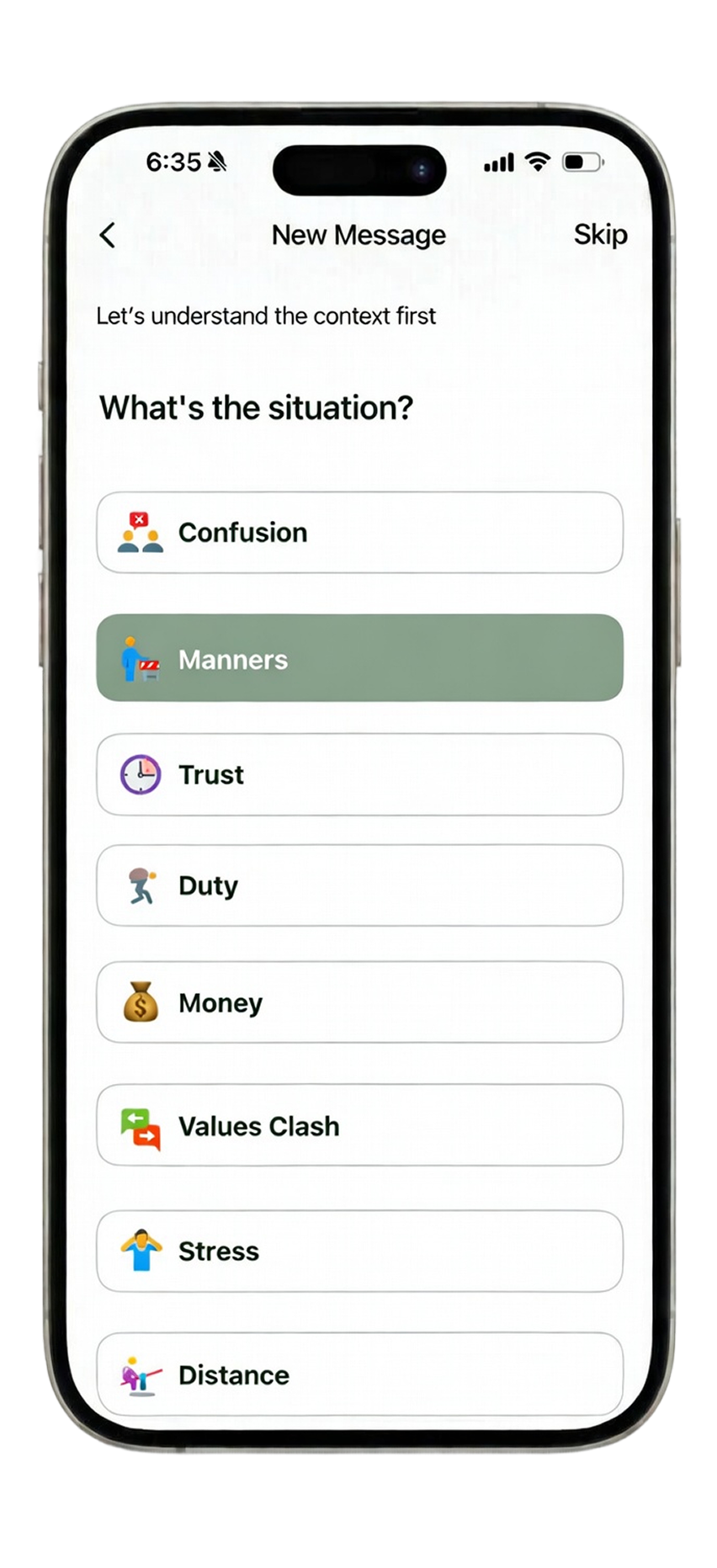
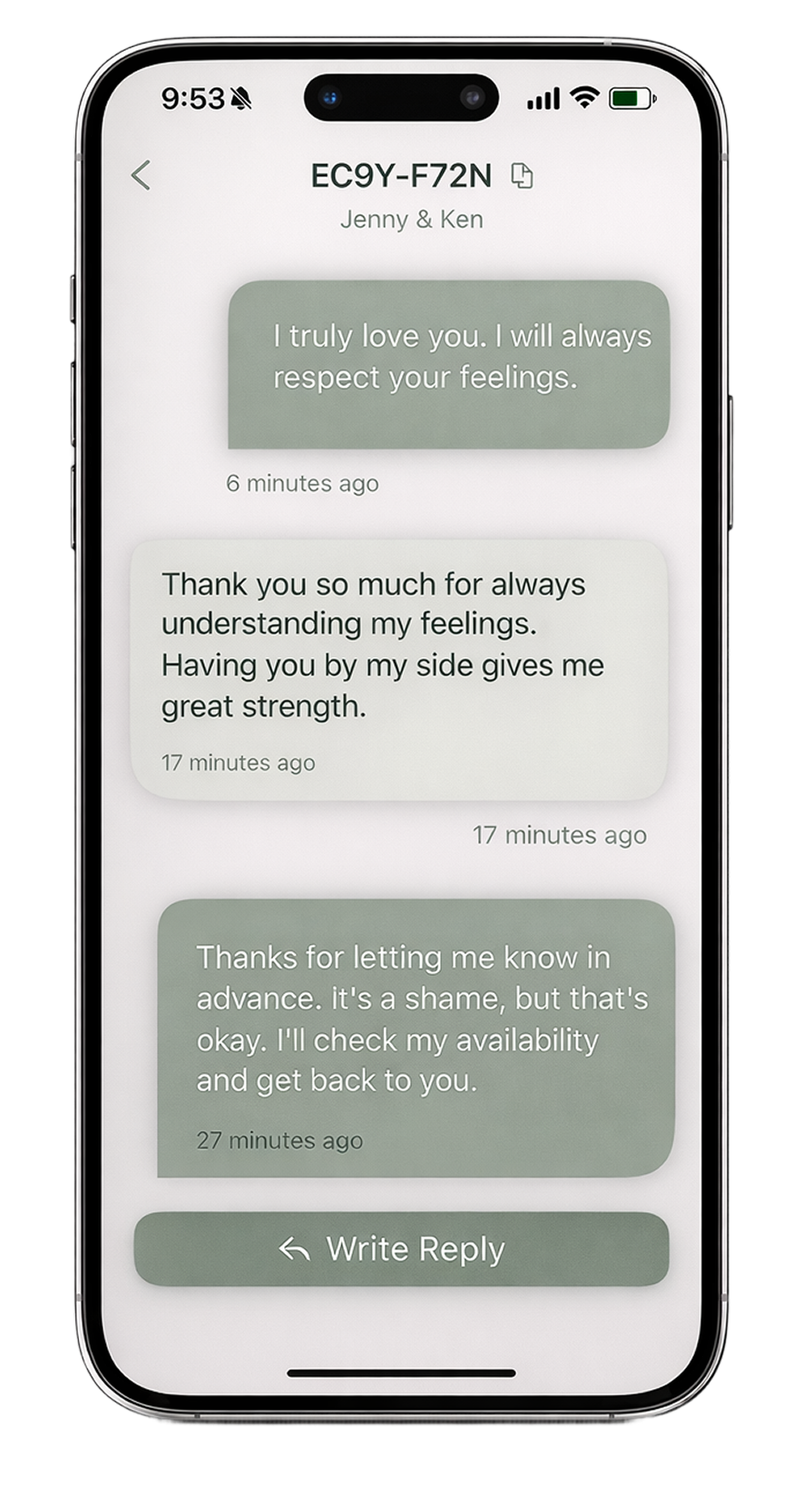
Below is a clear summary. The full legal text should follow your canonical policy document.
These terms describe rights and responsibilities when using Pause.
Pause collects only data required to operate and improve the service.
Questions about tokens, reply delay, and plans.
What is Pause?
Pause helps you rewrite, refine, and translate messages more thoughtfully.
What are tokens used for?
Tokens are used for AI-powered features like rewriting and translation.
How many free tokens do I get?
You receive 1,500 free tokens each month.
When do my tokens reset?
Your token balance resets to 1,500 once a month from your signup date.
Do unused tokens roll over?
No. Unused tokens do not roll over.
What is reply delay?
Reply delay gives the other person time before they respond.
Is Pause free?
Pause is currently free while we improve the app.
Are premium plans available?
Not yet. Premium plans are coming in a future update.